By now you know Marketo’s log retention policies mean you can’t get a 360° view of someone’s engagement back further than 90 days unless you take specific measures in advance.
For some, those measures are exporting activities to a data warehouse every night. But even if we tech types arrogantly assume everyone who’s anyone can get that done, in reality it’s a minority of Marketo shops who do it, let alone do it right.[1]
For the rest of us, the solution is to stamp Person fields with the last interesting data. Here’s where we buck the orthodoxy a bit. In our view, it doesn’t matter whether someone received an email on a Tuesday or a Thursday 10 months ago. It only matters, at best, whether they had activity sometime that week.
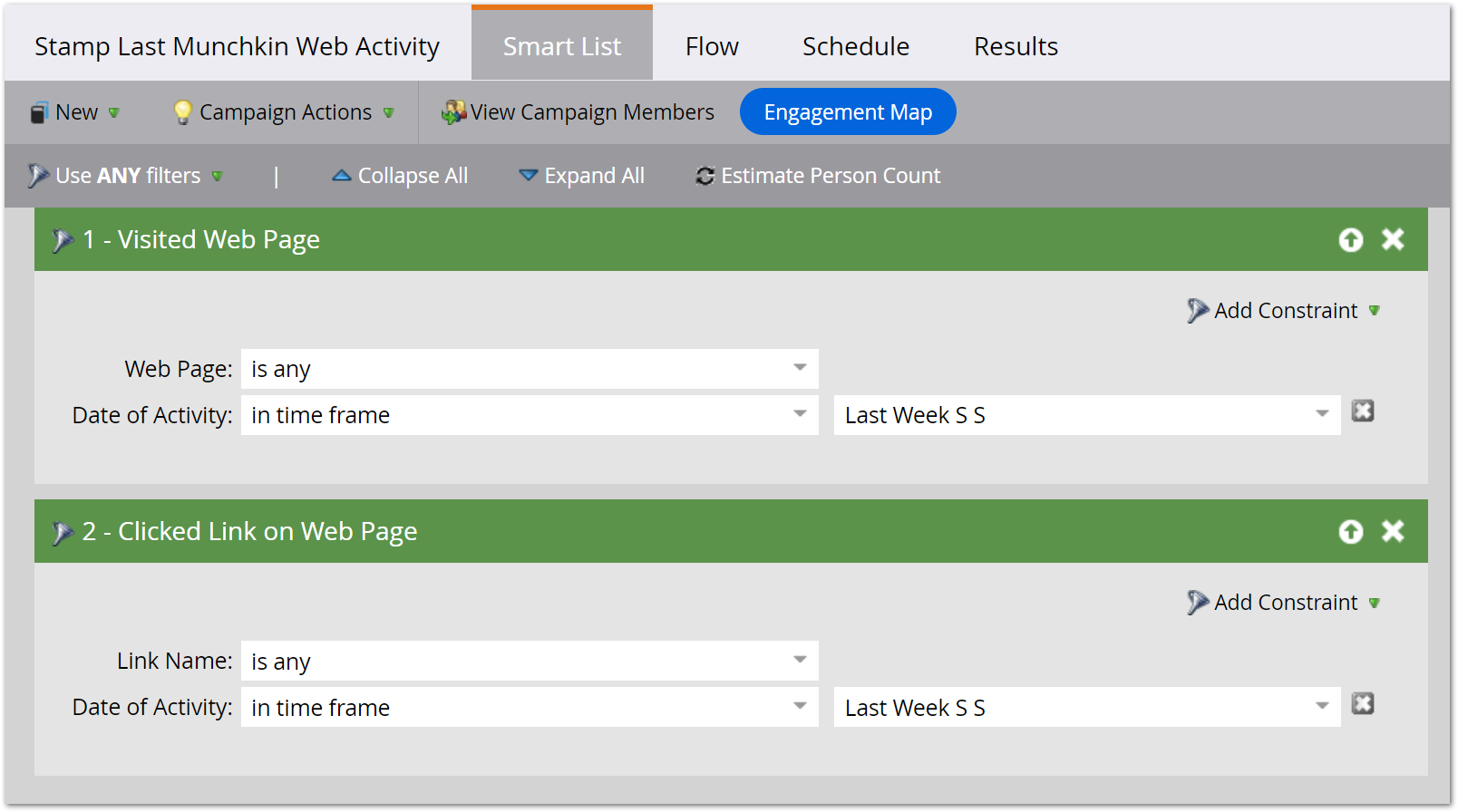
Skipping unnecessary granularity means far less work for your instance. Rather than batch campaigns processing huge swaths of your database every day — or, even worse, trigger campaigns — you just run weekly campaigns on Sundays, using the handy datetime filter [in time frame] Last Week S(un) S(at).
We usually set up these 4 fields at minimum:
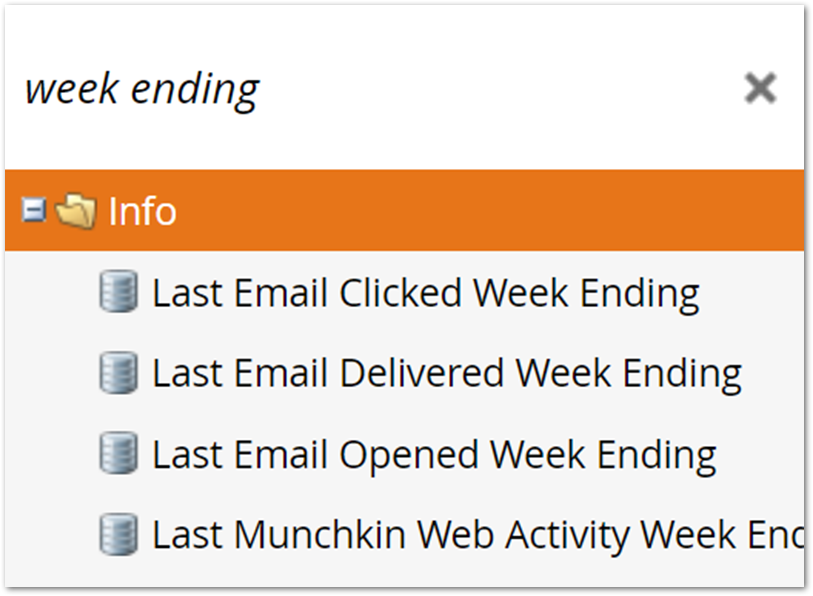
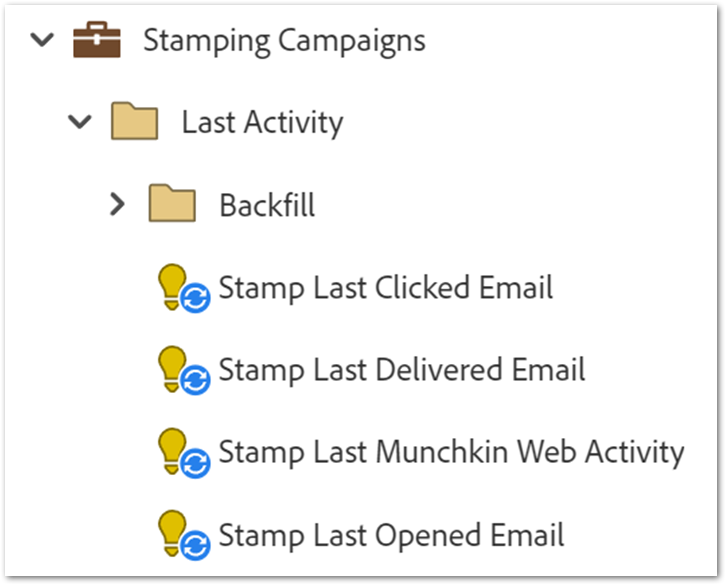
And a Sunday batch campaign for each:

Case you didn’t catch it in the video, each campaign uses filters like this (these specific filters are for Last Munchkin Web Activity Week Ending, which combines page views + page clicks):
Notes
[1] Alluding to people not realizing you can’t just export yesterday’s logs because anonymous leads are constantly getting merged. Grr.