Busy MOps teams use a URL builder to manage tracking params (and sometimes for add-to-calendar URLs and other areas). They have a UI like this:
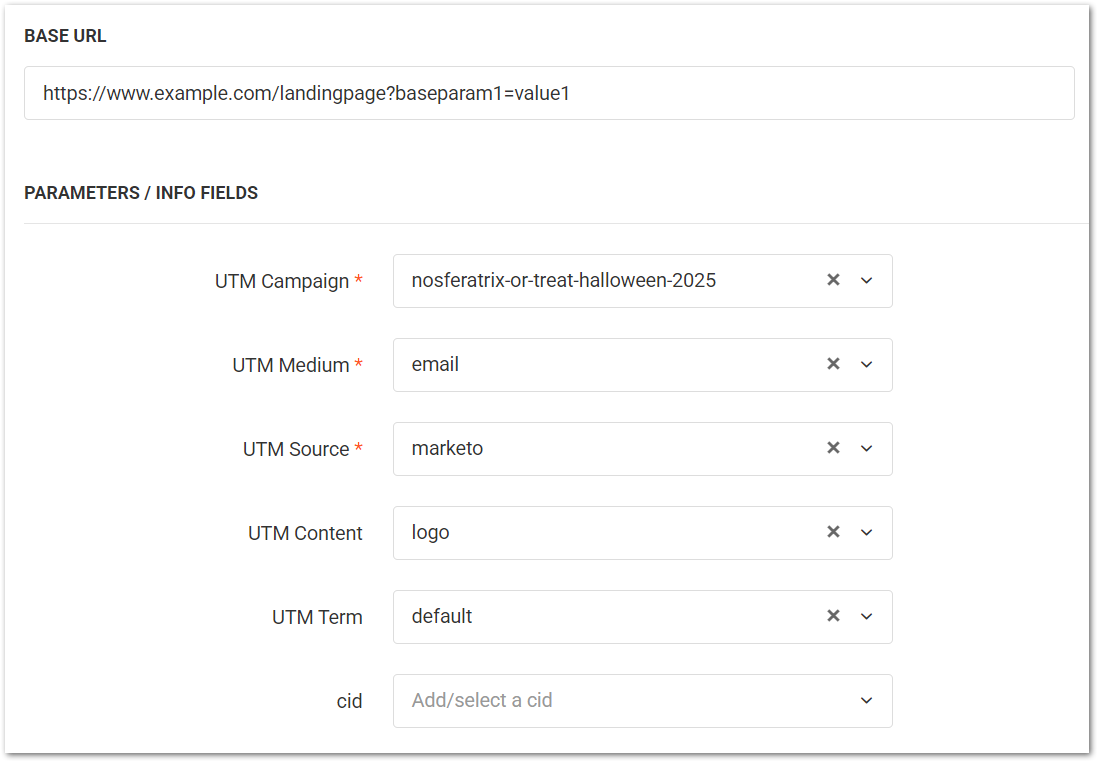
And generate a copy-and-pasteable URL like this:
https://www.example.com/landingpage?baseparam1=value1&utm_campaign=nosferatrix-or-treat-2025&utm_medium=email&utm_source=marketo&utm_content=logo&utm_term=defaultSometimes they’re built using Excel or a Google Sheet (ugh) instead of a separate web app, but the idea is the same.
Problem: most such builders have at least one fatal bug. They do not properly support Marketo {{dotted.token}} syntax in query param values. This is bad, since tokens are a huge operational benefit on their own. Let’s say you want to use the built-in {{campaign.Name}} as the utm_campaign value:
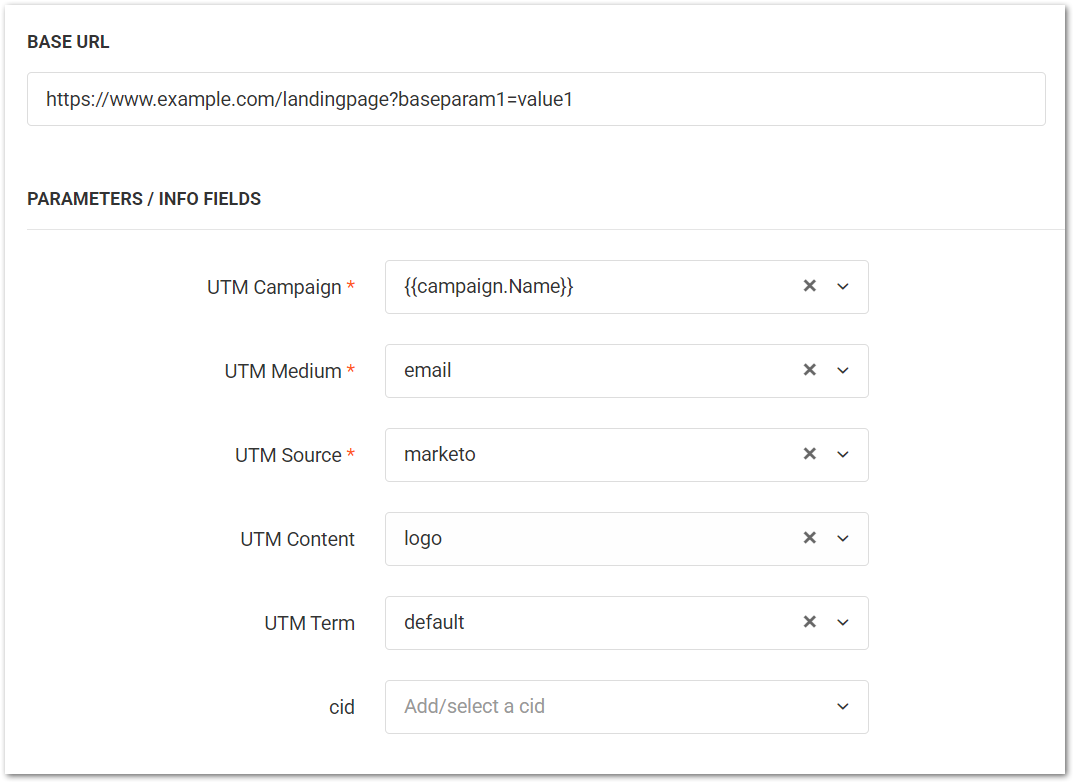
A naïve URL builder will mistakenly think {{campaign.Name}} is a literal value, as opposed to an interpolated variable, and will URL-encode it, breaking the URL in Marketo:
https://www.example.com/landingpage?baseparam1=value1&utm_campaign=%7B%7Bcampaign.Name%7D%7D&utm_medium=email&utm_source=marketo&utm_content=logo&utm_term=defaultTo be clear, URL-encoding literal values is absolutely correct, and a builder that doesn’t even do that is useless!
The problem is not understanding that some patterns must be left unencoded, so Marketo can replace them with the underlying value — which you must ensure is a URL-safe value on the Marketo side.[1]
Terminus almost gets it
The screenshots in this post are from Terminus, which URL-encodes and makes a good faith attempt at token support — even if it doesn’t succeed, as we’ll see below. (As one contrast, this builder from TrackFunnels doesn’t encode at all and is basically fraudulent!)
In Terminus, you can select “preserved characters” which won’t be encoded:

Looks promising. Except with Marketo {{dotted.token}} syntax, characters inside the double brackets must not be encoded, either. Enter tokens with spaces in the Terminus builder:
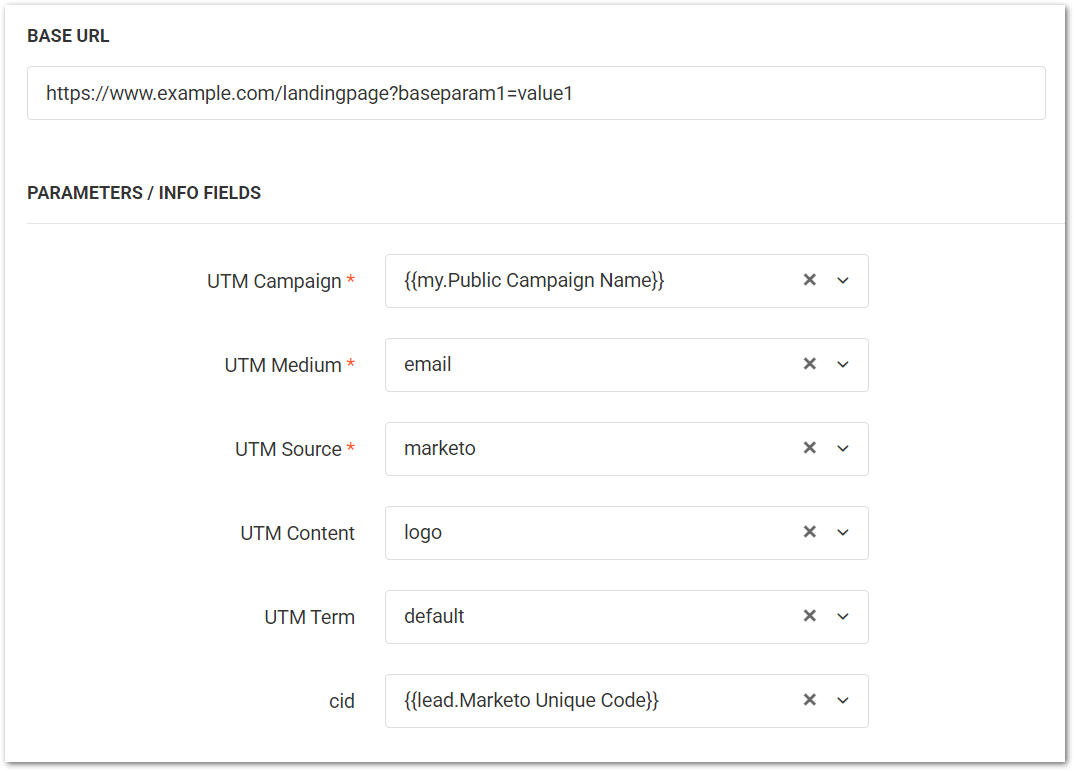
And it’ll output those as {{my.Public%20Campaign%20Name}} and {{lead.Marketo%20Unique%20Code}} respectively. Which means Marketo will no longer substitute the token values; instead, it’ll output nothing, as it always does when a token isn’t recognized. Oops!
Covering both bases
A proper URL builder, like the one I built specifically for this post, uses a regex to de-encode Marketo tokens:
encodedURL.replaceAll( /(%7B%7B.+?\..+?%7D%7D)/ig, decodeURIComponent )The regex restores sequences of encoded {{ + dotted.string + encoded }} to the original unencoded value.
Notes
[1] Yes, that’s right. Marketo will not automatically URL-encode {{my.tokens}}, {{campaign.tokens}} or {{lead.tokens}}. You must make sure that either:
- all values are URL-safe to start, or
- all values are URL-encoded using Velocity before sending
Achieving (1) is impossible if you use {{campaign.tokens}} or {{program.tokens}}, since you can’t truly stop users from introducing non-URL-safe characters via the Marketo UI. That’s the main reason I prefer a custom {{my.Public Campaign Name}} token over {{campaign.name}}. (The other reason being internal name privacy: you don’t want people knowing they’re in “Insufferable Fools Group 2”.)
For example, say the campaign name in Marketo is 2025-12-04 Weekly Q & A. In this case, {{campaign.Name}} will break URLs because of the &. A separate {{my.Public Campaign Name}} lets you encode the value, i.e. 2025-12-04%20Weekly%20Q%20%26%20A, or use a custom URL-safe variant like 2025-12-04-wekly-q-and-a.